June 12, 2026
Memory Workspace — A place to tend your memory
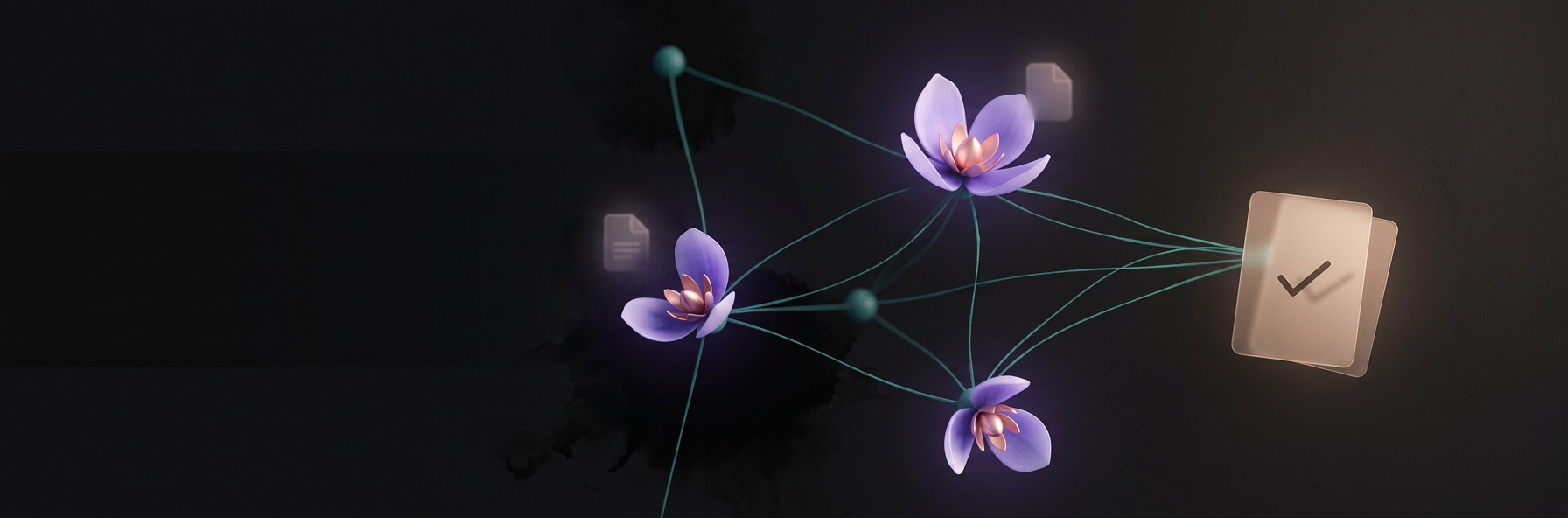
Memory was something you could look at. Now it's something you can tend. The Memory Workspace gains a Tasks view for the commitments your assistants are holding for you, and a deeper way to open any person, place, or idea — its claims, its connections, and the original sources each fact came from. Follow a thread through the graph and a breadcrumb trail keeps the way back. What your assistants remember is now yours to read, correct, and curate.
June 12, 2026
Connectors — Your assistants can reach your apps

Connect Gmail, Notion, Slack, and the rest in Settings → Connectors, and your assistants can reach into them — read the thread, draft the reply, find the doc, check the channel — on your behalf and only as far as you allow. Nothing connected yet means nothing reached; give them an app and they'll reach a little further.
June 12, 2026
Sub-agents — Send agents to do the digging

Your assistant can now send out sub-agents — quiet background workers that take a brief, go off and do the slow part (research three vendors at once, read the long document, grind through the search results), and come back with just the findings. The digging happens out of sight; only the distilled answer returns to your conversation. You can watch them work, open any one to see its full trail, or call it back early. Many hands, one calm thread.
June 12, 2026
Agent Skills — New skills, learned on demand

Your assistants can pick up skills — modular packs of know-how from the Agent Skills ecosystem — and reach for them only when a task calls for one. A skill stays folded away until it's needed, then opens, does its part, and recedes. Your assistant gets more capable without getting heavier.
June 12, 2026
Daily Digest — A quiet word each morning

Enable the Daily Digest plugin and your assistant leaves one calm note each morning: the commitments you're holding, the few numbers worth a glance, and what's changed since yesterday. No feed, no badges, nothing demanding — one short read, then on with your day.
June 12, 2026
Self-Configuration — An assistant that tends itself

Give an assistant permission and it can shape its own toolkit — discovering and installing skills, switching plugins on and off, linking the servers it needs — so it grows into the work instead of waiting on you to wire it up. Its core stays fixed: it can change what it can do, never who it is. You set the bounds; it tends the rest.
June 7, 2026
Automated Task Management
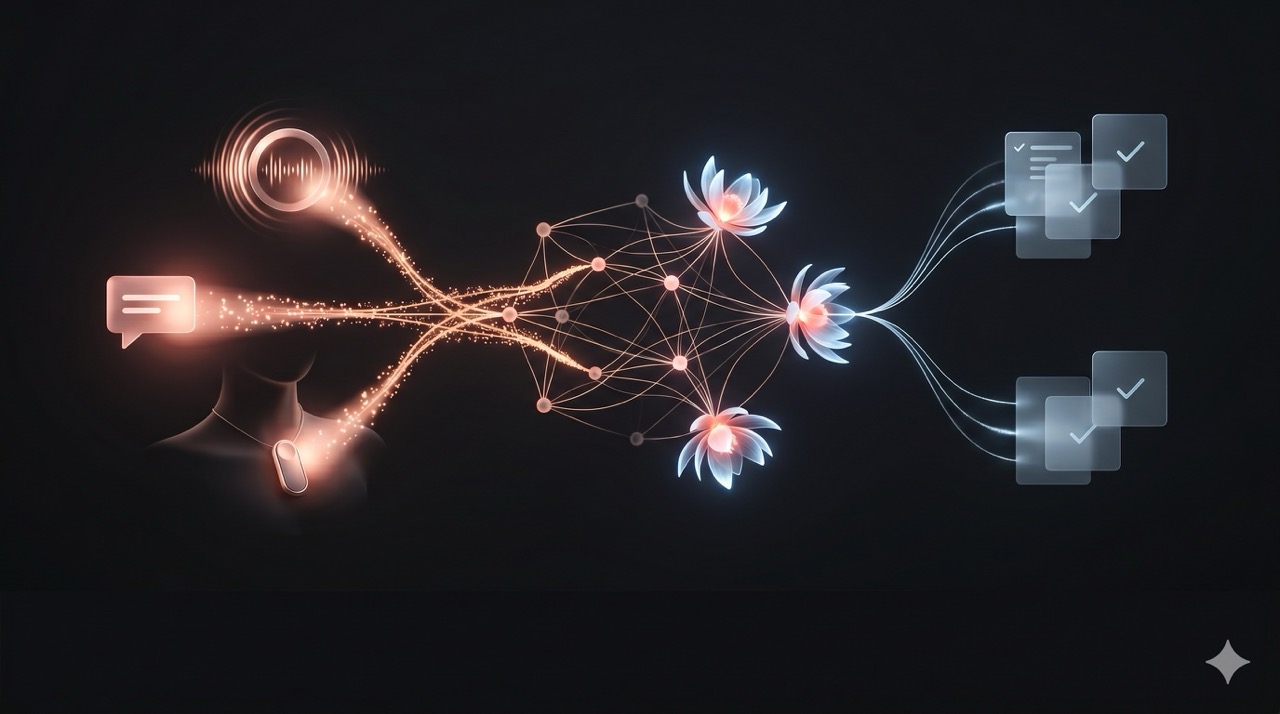
You already know Petals learns and remembers everything. (if the Memory plugin is enabled on your assistant)
Today, Petals will help you manage your tasks and commitments as well—automatically.
While you chat, your assistant will note down anything you promise, say you will do or what you’re waiting on from others.
You’ll be reminded of what needs to be done in your morning message (daily digest).
You can manage everything manually in the Tasks module, or through chatting with your assistant.
Enjoy.
December 2, 2025
Group Chats
You can now create group chats where you can talk with multiple of your assistants and other, real people. Just click on the small 👥 icon next to the New Chat button.
If you want to add other people to the chat, you’ll have to add them as friends first (and they have to accept). Just go to Settings > Friends and fill in their email address to send a friend request.
Enjoy!
September 4, 2025
🚀 Supercharged Thinking
The newest, deeply thinking models from OpenAI can now do a lot more as they're thinking! Models like GPT-5, o3 and o4-mini will now search the internet and can run code as they're thinking about how to answer your question.
I use this all the time—many of my AI questions need someone to research dozens of websites, and this way it's very very easy.
To enable, make sure you use one of these OpenAI models, and enable the thinking mode (clicking the Brain icon when you're sending a message). You can choose "how hard" you want the model to think in three levels as well.
Keep crushing it. With love.
Marcel 🚀❤️
May 26, 2025
🧠 Memory Improvements
There’s a bunch of new things that should make your experience of your assistant’s memory much better!
- 🔗 We’re now using both things and connections in your memory, that way we get much better results during conversations. For example, Marcel was talking to Thomas is a connection and not a thing—now your assistant can bring that up too in conversations.
- 📰 Your assistant now keeps track of two “notes”: things about you and things about your assistant. This way we keep track of long-term projects and help your assistant keep a more coherent state of mind over multiple days.
- 💭 Your assistant will “dream” sometimes, reflecting on what happened the past day. Maybe they’ll mention it in the daily message!
- 🧹 Every day, your memory is being cleaned up, making sure everything’s nice and neat.
- 🔎 While you talk, your assistant will search for more interesting bits and pieces for your memory. So as you continue the conversation, your assistant will see more non-obvious links and items from the memory.
- 🏗️ I’m getting ready to let you insert external sources in the memory, like your current notes or even things that are happening (eg., “things I posted on social media today” or “my agenda today”). Not quite ready yet though!
- 📝 On the home page, you now see your recent chats with a short summary, making it easier to find exactly the conversation you were having.
- 👁️ If you’re curious, there’s now a simple “Memory” page in your settings, so you can search through it manually. Still rough around the edges but great for the curious minds!
A bunch of things, enjoy them! And as always, feel free to leave feedback. This memory stuff requires a lot of tweaks so I’d love to hear your specifics and where you think it excels or falls short.
❤️ Keep crushing it, with love.
Marcel